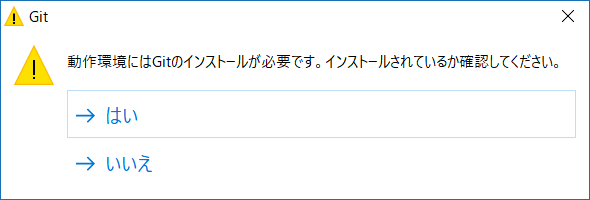
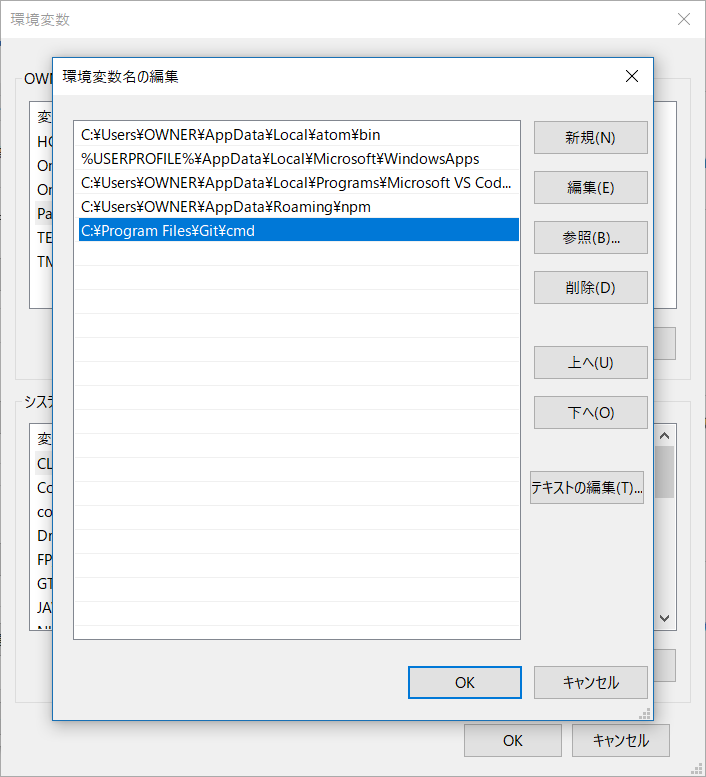
GitはGit for Windowsのサイトからダウンロードできます。ダウンロードした後、Web上の情報などを参考にインストールします。(インストーラの選択肢のなかで「 Use Git from the Windows Command Prompt 」を選択した場合は本記事のような現象は発生しないようです)
ログの確認
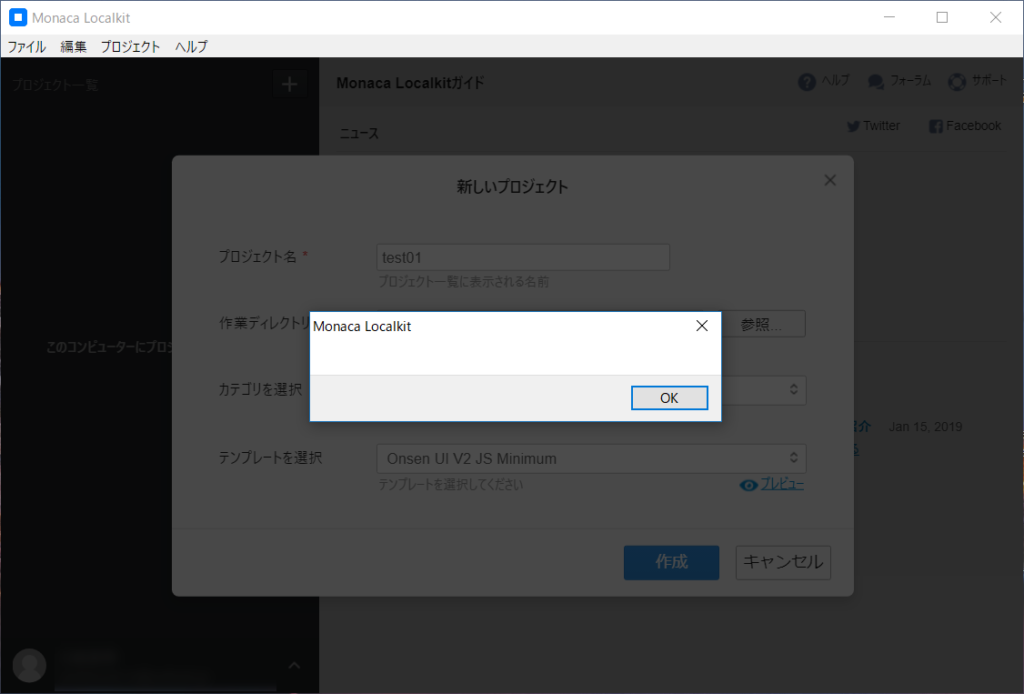
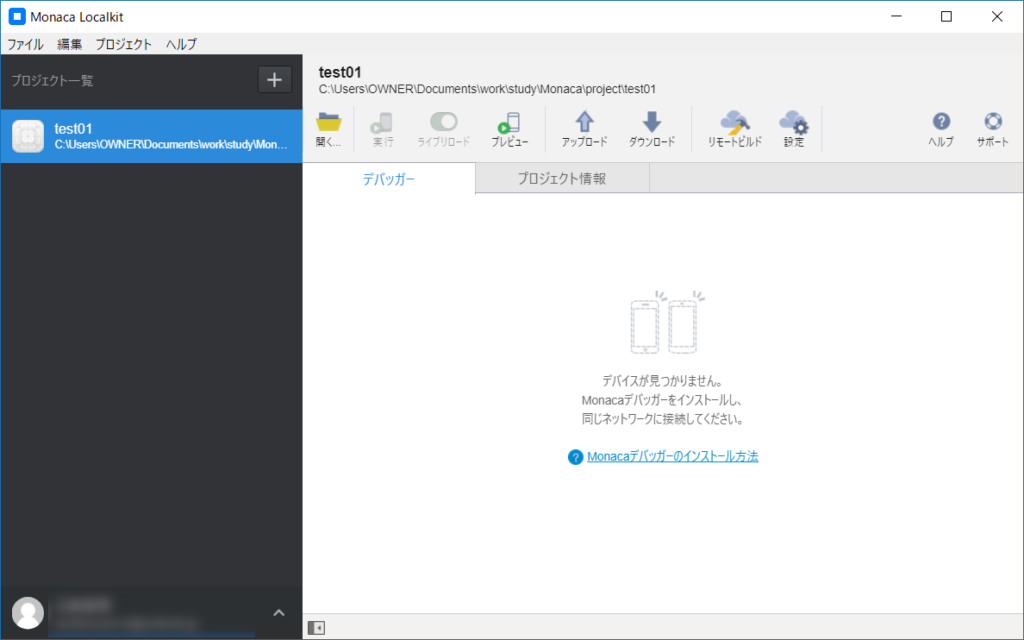
Git for Windowsをインストールした状態でLocalkitを起動します。問題なく立ち上がるのですが、プロジェクトを作成しようとすると、先に示したようにメッセージのないメッセージボックスが表示され、プロジェクトが登録されません。
2019-01-19T17:32:39	Creating Project:C:\Users\OWNER\Documents\work\study\Monaca\project\test01 https://github.com/monaca-templates/onsenui-v2-js-minimum/archive/master.zip
2019-01-19T17:32:39
Downloading template...

2019-01-19T17:32:45	[www] Inserting components...
2019-01-19T17:32:45	Installing template dependencies...

2019-01-19T17:32:58	npm WARN
2019-01-19T17:32:58	 deprecated node-uuid@1.4.8: Use uuid module instead

2019-01-19T17:33:08	npm WARN deprecated
2019-01-19T17:33:08	 hoek@2.16.3: The major version is no longer supported. Please update to 4.x or newer

2019-01-19T17:33:13	npm ERR! code
2019-01-19T17:33:13	 ENOGIT

2019-01-19T17:33:13	npm ERR! Error while executing:
npm ERR! undefined ls-remote -h -t ssh://git@github.com/xiangpingmeng/plist.js.git
npm ERR!
npm ERR! undefined
npm ERR! No git binary found in $PATH
npm ERR!
npm ERR! Failed using git.
npm ERR! Please check if you have git installed and in your PATH.

2019-01-19T17:33:13
npm ERR!
2019-01-19T17:33:13	 A complete log of this run can be found in:
npm ERR!     C:\Users\OWNER\AppData\Roaming\npm-cache\_logs\2019-01-19T08_33_13_109Z-debug.log

2019-01-19T17:33:13	[Error] Error in creating a project